Mobile gaming tips
Practical, low-latency tips to improve performance, battery life, and controls when you play on mobile devices. Suited for players in Nepal and beyond.
- Quick wins: battery saver, refresh rate, and background apps
- Connectivity: prioritizing low ping and stable routes
- Perks: check Gameplexaroc for bonuses and events
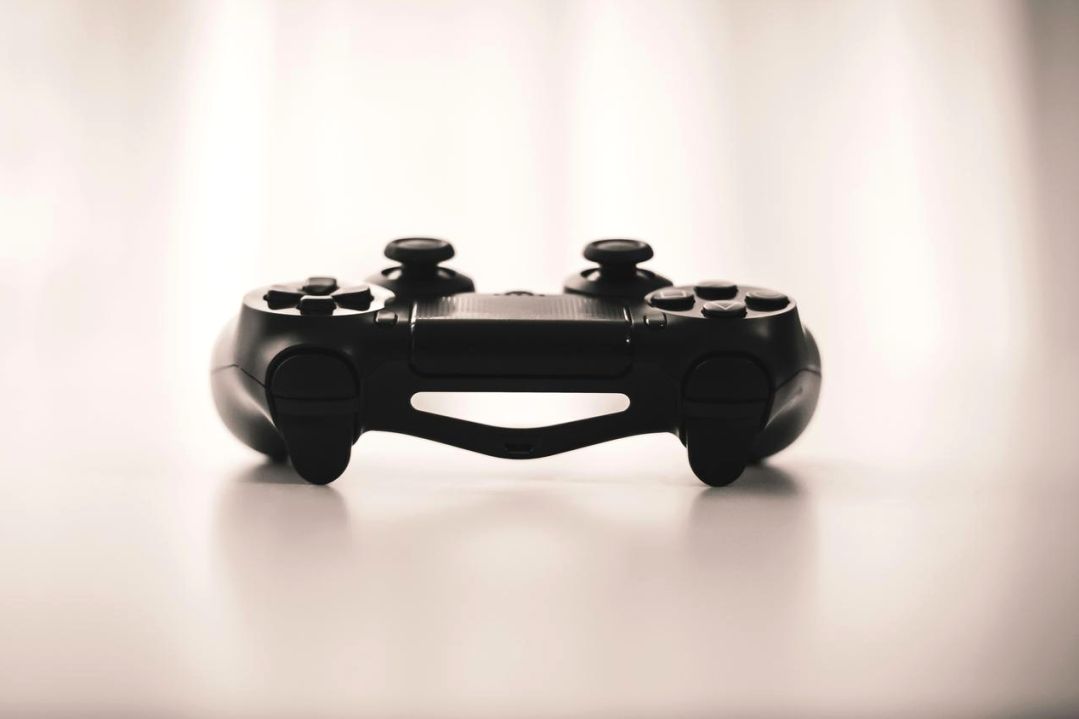
Optimize performance
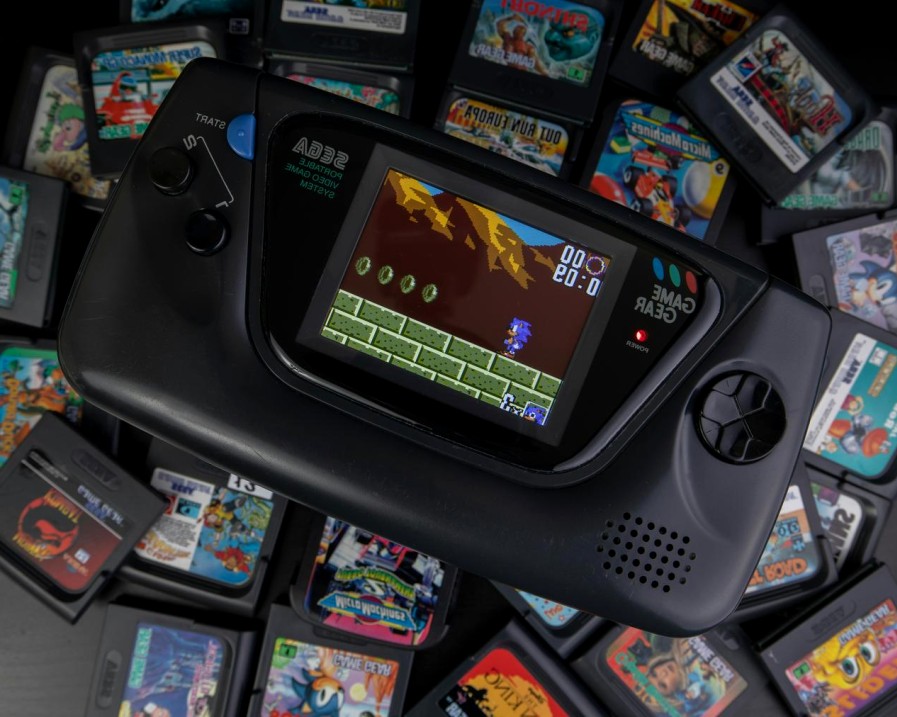
Battery & thermal
Use adaptive refresh rates, lower brightness, and enable battery saver only when required. Avoid overheating—pause sessions when temperature spikes.
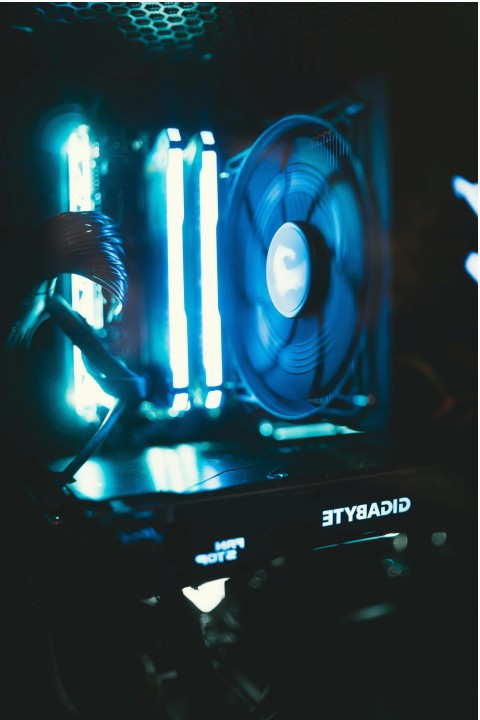
Graphics & FPS
Match resolution and frame-rate to your device capabilities. Reduce shadows and motion blur for more stable FPS on mid-range phones.
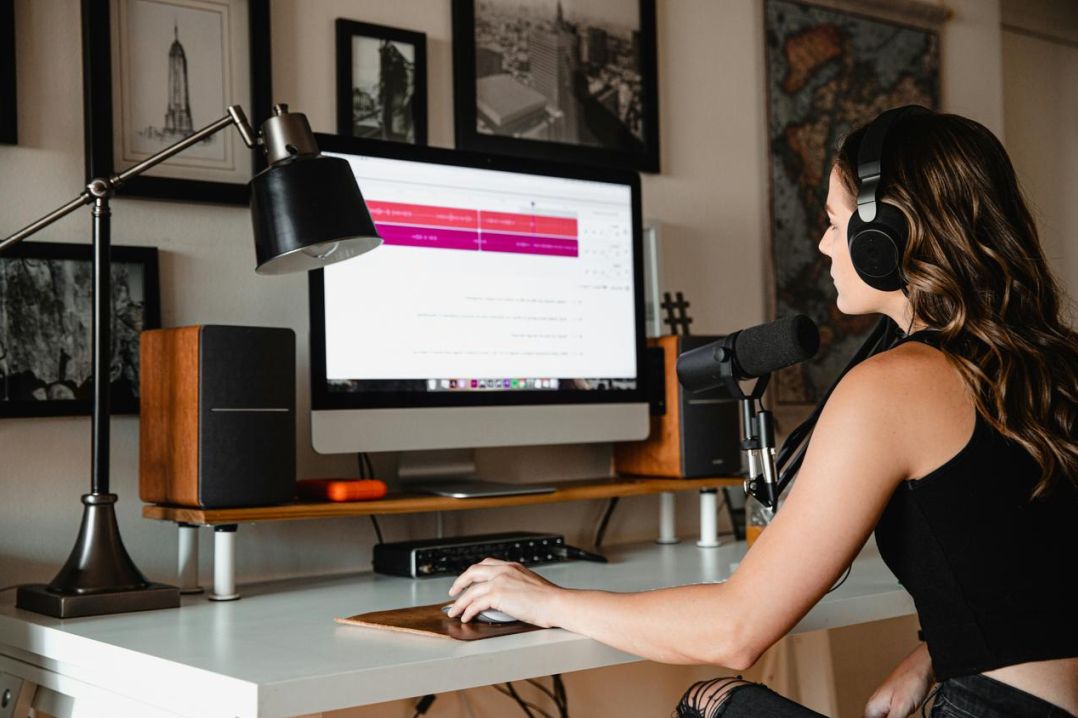
Background tasks
Close resource-heavy apps, disable auto-updates and sync during play. Use a lightweight launcher for fewer OS interruptions.
Controls & ergonomics
Configure touch zones, sensitivity, and aim-assist according to your play style. Small hardware changes can improve comfort for long sessions.
- Rebind buttons to avoid thumb strain
- Consider lightweight mobile triggers or Bluetooth gamepad
- Test sensitivity in practice modes before ranked matches

Coach Ramesh
Mobile performance coach — tips on sensitivity and layout for rapid improvement.
Meet coachesConnectivity & network tips
Stable network reduces packet loss and lag. These steps help maintain low ping during gaming sessions.
- Prefer 5 GHz Wi‑Fi when available; keep router close
- Use QoS to prioritize gaming traffic on your home router
- When mobile, prefer stable LTE/5G with fewer background services
Troubleshooting guide
Community & resources
Join the Gameplexaroc community to share settings, record clips, and participate in mobile tournaments with prizes.
- Forum: strategy threads and matchmaking
- Bonuses: check loyalty rewards for mobile events
- Free practice lobbies hosted weekly
Quick FAQ
Which settings give best battery-life balance?
Use medium graphics with capped framerate, adaptive brightness, and background sync off.
Is a controller better than touch?
Controllers help for precise aim and reduced fatigue; touch gives quicker access to gestures. Test both.